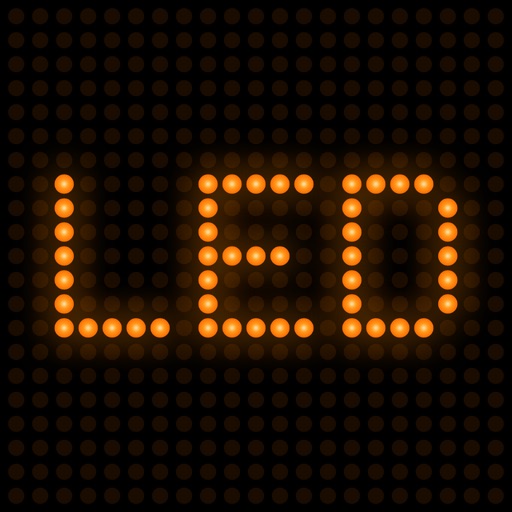
LED Banner: Neon Text Scroller
Your phone, held up as a scrolling LED sign. Type a message, pick a look, and turn the screen sideways: the text runs across the full width at whatever speed you set, bright enough to read from the back of a room.
What it does
Free, No Account
- 3 saved banners (watch a short ad for one more)
- 9 of the 12 color modes: rainbow, neon, cyberpunk, retro LED, matrix, emergency, ice, gold and plain color
- Scrolling left or right, looping or bouncing, at the speed you choose
- The classic LED dot grid, with dot size, spacing and glow
- Font, size, weight, italics and letter spacing
- Full-screen landscape display with the screen forced to full brightness and the auto-lock switched off
With Pro
- Unlimited saved banners
- The remaining color modes and a full color picker, including two-stop gradients at any angle
- 5 more backgrounds: gradient, stars, galaxy, neon and particles
- 4 more LED grid styles: round, square, pixel and glow
- Scrolling up and down
- 10 more motion effects: breathing, blink, flash, sparkles, light sweep, snow, confetti, glitch, shake, pixel dissolve
- 5 visual effects: mirror, CRT, scanlines, rainbow and fire
- No ads
What It Does Not Do
It does not export video or GIFs, there is no Home Screen widget, and it does not send the banner to an external screen or AirPlay. What you get is the phone itself as the sign.
Where People Use It
Airport arrivals, concerts and fan sections, a market stall or a shop counter, a party, a proposal, a school corridor, a picket line, a hen night.
Questions people ask about LED Banner
How do I get out of the full-screen banner?
Does it need internet?
Does the screen dim while the banner is up?
Does it read right-to-left scripts and Japanese or Chinese?
Is there a watermark?
What's new in 1.3.0
The scroll position came from the world clock, not from when the banner opened, and it showed in two ways. Opening a banner dropped it at a random point in the cycle: the text almost never entered from the edge, it just appeared halfway across. And moving the speed slider made the text jump instead of speeding up — at 80 pt/s, ten seconds in, going to 100 shifted it two hundred points sideways in one frame. Both came from the same place. The banner now counts the distance it has travelled, so it always starts at the edge, and changing the speed changes how fast it moves without moving it. Five tests pin the path. The App Store page was also still the one from launch: it did not say what the free plan includes, and it carried a duplicate set of terms and privacy links.
Privacy and support
LED Banner works offline and does not require an account. Read the privacy policy and the terms for this app, or write to us if something is wrong.