URL Short, a link shortener with QR codes for iPhone and iPad
QR Maker & Click Analytics
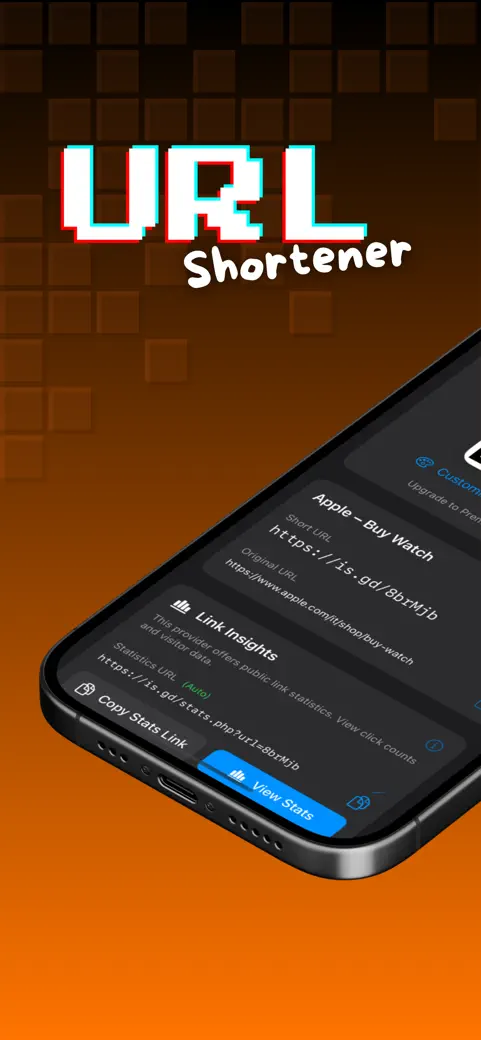
URL Short turns a long link into a short one with one of ten public services, makes a QR code for it, and later tells you if that link still opens.

What can you do with it?
Three jobs, really: make the link short, make it scannable, and keep an eye on it afterwards.
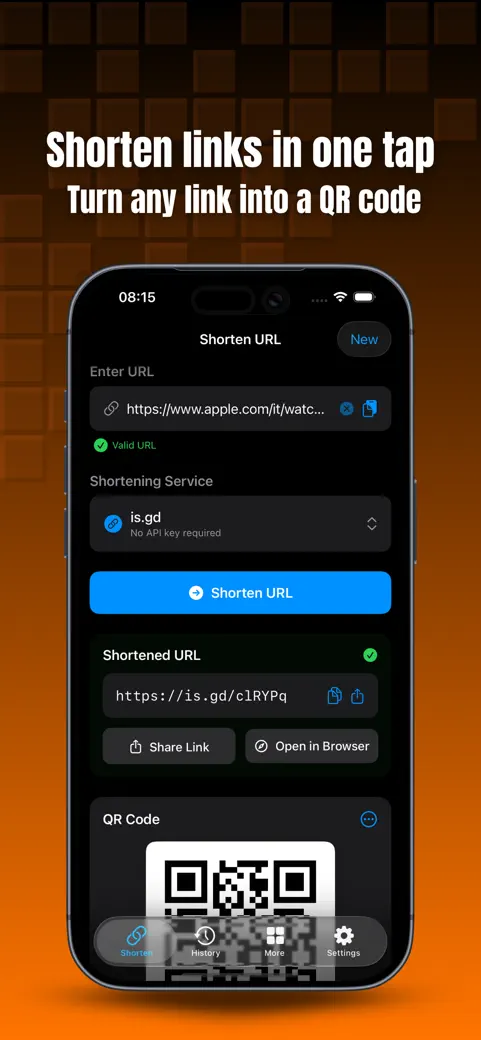
- Shorten: paste a link, pick a service from Shortening Service and tap Shorten URL. is.gd, v.gd, CleanURI and Spoo.me need no key and no sign-up.
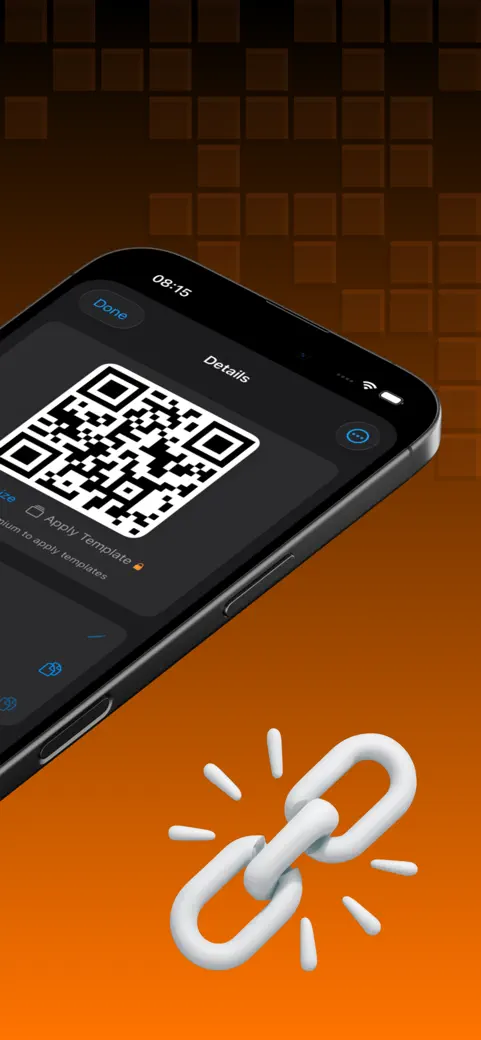
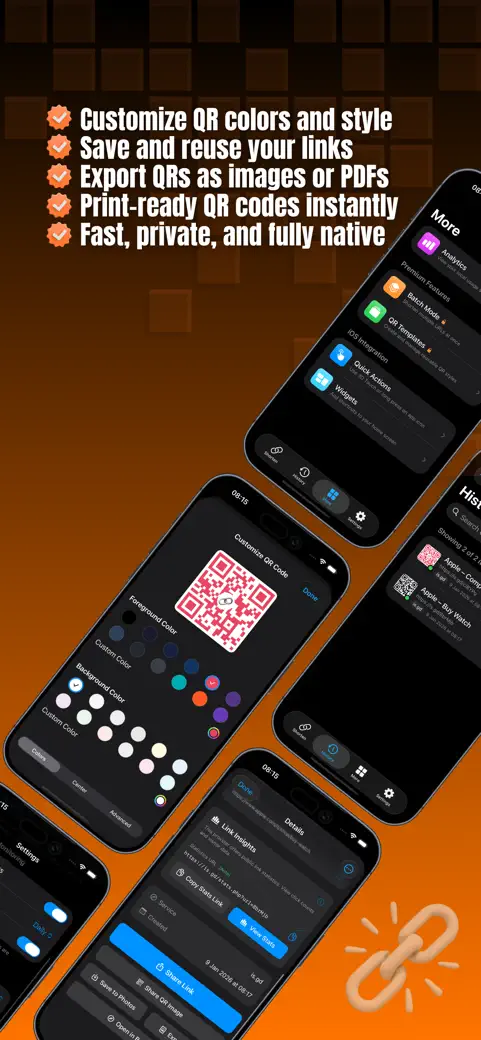
- Turn it into a QR code: every short link gets a QR code you can recolor, save to Photos and test with the camera before you print it.
- Plan the print: Print Optimizer tells you the minimum printed size and pixel size for a poster, business card, sticker, flyer, magazine, billboard or screen, and checks the color contrast.
- Check it later: the History screen can test every link you made and mark each one as working or broken.
- Shorten from other apps: the share sheet entry URL Shortener shortens the page you are looking at without opening the app first.
Quick start
- Open the Shorten tab and paste your link into Enter URL.
- Leave the service on is.gd (or pick another free one) in Shortening Service.
- Tap Shorten URL. The short link appears under Shortened URL, with its QR code below.
- Tap Copy or Share to send it, or Save to Photos to keep the QR code as an image.
Is it free?
Yes. Shortening with all ten services, QR codes with custom colors, the Print Optimizer, Test Scan, link health checks and iCloud sync of your history cost nothing. What you get for free has two limits: ads on screen, and History only keeps your 10 most recent links visible, with 5 QR exports.
Premium is optional and removes the ads. It also adds unlimited history, custom link endings, saved QR styles (templates) and Batch Mode for a whole list at once. There is a watch-an-ad trial too, but it is thin: it does not remove ads, and it skips Batch Mode and the full history.
Privacy, offline use and permissions
No account. Your history lives on your device and, if iCloud Sync is on, in your own iCloud account. The app's own usage counters never leave the phone. The ad network in the free version does collect a device identifier and interaction data for advertising, as the App Store privacy label states.
Offline, you can look but not shorten. Your existing history and its QR codes open fine with no signal. Making a new link or checking an old one needs a connection, because the shortening service has to actually answer.
The only permission is the camera, used to scan QR codes. Keys for the six services that need one are kept in the iOS Keychain on your device.
What it does not do
- It does not run its own shortener or its own short domain: every link is created by, and lives with, the service you chose.
- It does not count clicks. For is.gd, v.gd and Bit.ly it can open that service's own stats page; for the rest, any numbers live on the service's dashboard.
- Custom link endings only work on the services that support them.
Need click analytics, branded domains for a marketing team, or a shared dashboard? A paid account with the shortening service itself does that job. URL Short is for the other job: a clean link and a QR code, fast, on your phone.
How-to guides for URL Shortener
Questions people ask about URL Shortener
Do I have to create an account to shorten a link?
Who actually hosts my short link?
Does URL Short work on iPad?
Why does the app ask for the camera?
What do I lose if I delete the app?
Free and Pro
Free
- shorten with any of the 10 services (fallback to another free service if one rejects the URL)
- QR code generation and free color customization
- Print Optimizer (size/contrast checks for poster, business card, sticker, flyer, magazine, billboard, screen)
- QR scanner (test-scan the QR you just made)
- link health check (single and batch)
- local, on-device usage analytics
- iCloud sync of history
- history, limited to the 10 most recent links
Pro
- unlimited history (no 10-link limit)
- custom aliases (choosing the short link's ending) on services that support it
- QR templates: saving and re-applying reusable QR styles
- unlimited Batch Mode, including PDF and ZIP export of the batch
- no ads
Pro is optional. Everything in the free list works without it.
What's new in 1.4.0
• Errors now say what actually happened: an expired API key, an exhausted quota and a service that is down all used to read "Invalid URL" • mailto:, tel: and javascript: links are turned down with an explanation instead of a generic error • Removed background modes the app never used
Privacy and support
URL Shortener does not require an account. Read the privacy policy and the terms for this app, or write to us if something is wrong.
Made by a small independent developer. Questions? Write to us from the support page.