Random: a random number generator, bingo drum and dice in one app
List, Coin, Card, Color Random
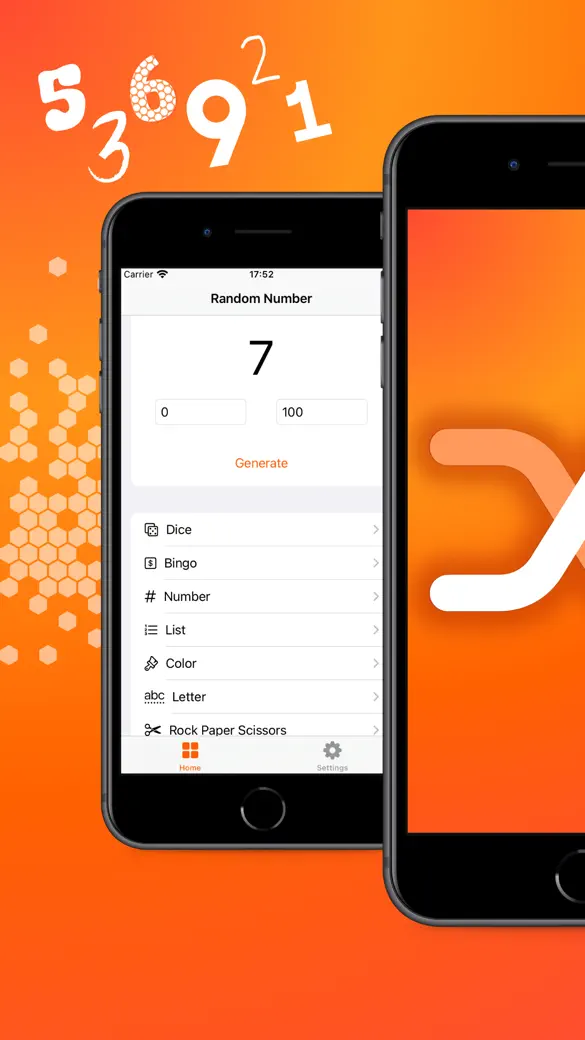
Random is a pocket draw tool for iPhone and iPad with 12 generators in one place: a number in any range, a bingo drum that never repeats a ball, dice, a name from your own list, a coin, a card, a letter, a colour, a date, a map point, rock-paper-scissors, yes or no. It is for anyone who needs a quick, fair draw at a party, a classroom, a club raffle or around a board game.

Features:
Dice roller
Features:
A custom item from a list generator
Features:
Yes or No
Features:
Toss Coin
Features:
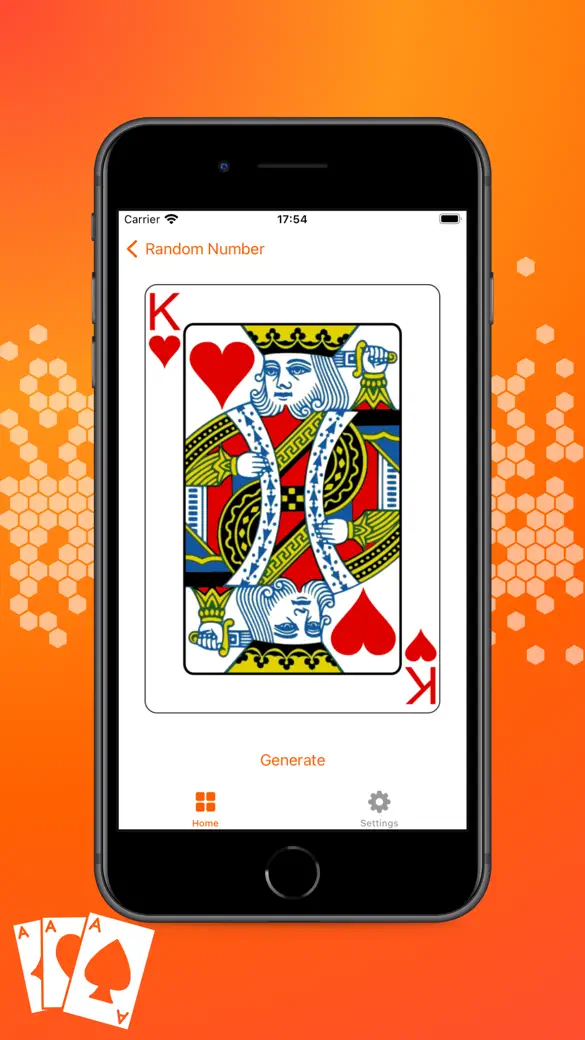
Card generator
Features:
Map Point
What can you draw with it?
Numbers and winners
- A whole number between any Min and Max you type, both ends included. It sits at the top of the Home tab, so it is one tap away.
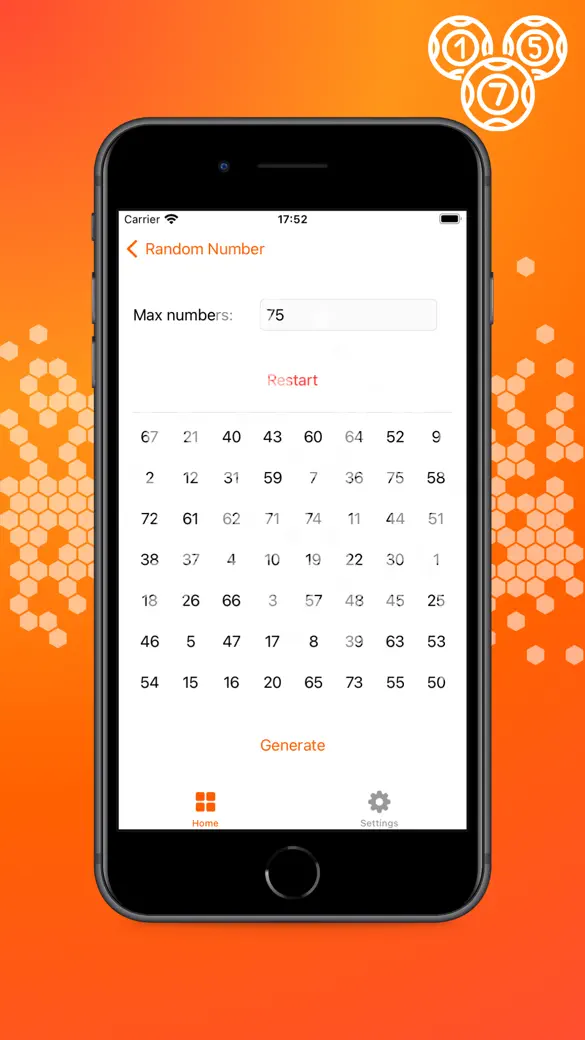
- Bingo balls from 1 to 75, 1 to 90 or 1 to any number up to 9999, with no ball ever drawn twice, a big display of the current ball and a board of every ball called.
- One entry from a named list you type yourself: people, restaurants, chores, prizes. Lists stay saved on the phone for next time.
Games and quick decisions
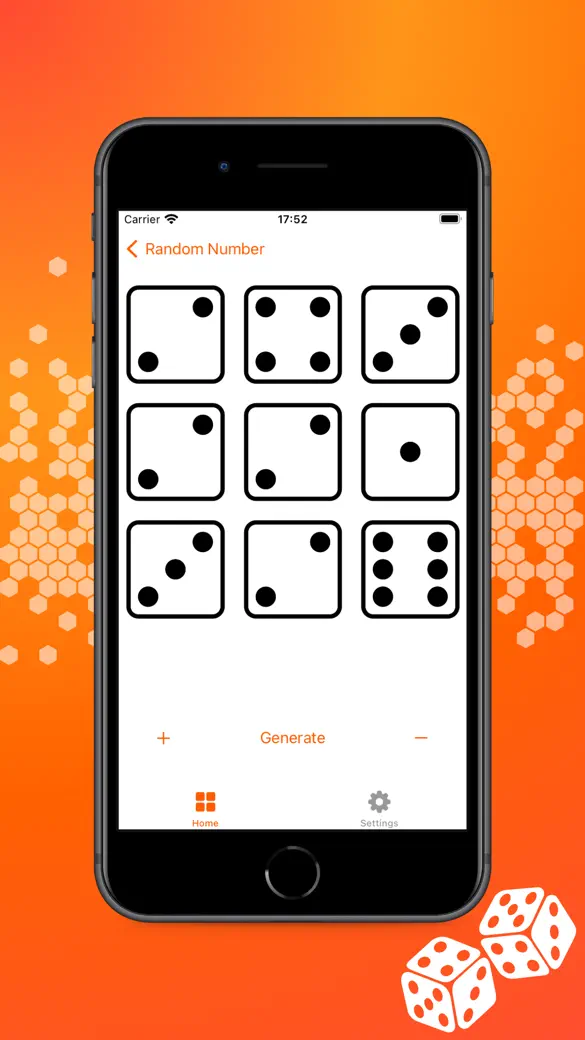
- Six-sided dice, from 1 to 100 at once, shown as real dice faces.
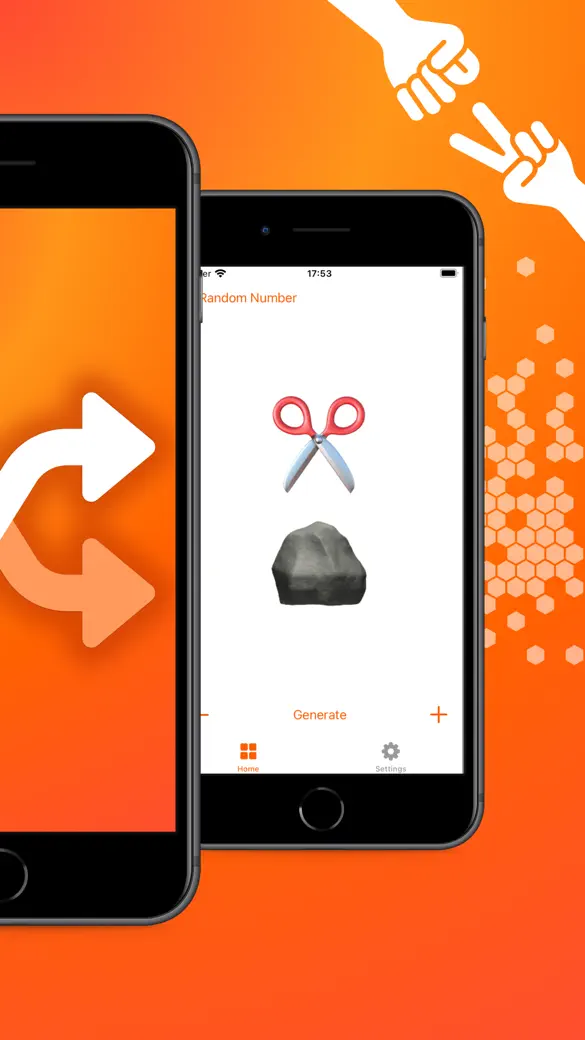
- A coin toss with a flip animation, a plain Yes or No, and rock-paper-scissors for 1 to 4 hands.
- A playing card from a 54-card deck with two jokers, and a capital letter from A to Z.
The odd ones out
- A random colour that fills the screen, with its hex code.
- A random date and time between a Start and an End date.
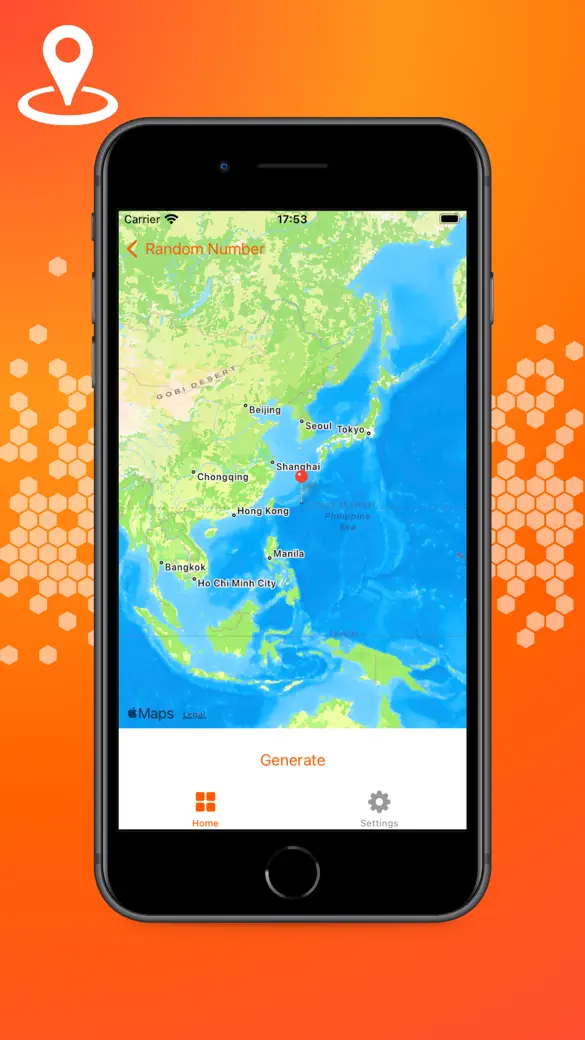
- A pin dropped at a random point on the world map.
Quick start
- Open the app. The first time, a welcome screen shows a sample draw and the 12 generators; tap Start.
- On the Home tab, type the lowest number in Min and the highest in Max.
- Tap Generate. The number appears in large type; tap again for a new one.
- For anything else, scroll the Home list and open a generator: Bingo, Dice, List, Coin toss, Card and the rest.
- In most generators you can tap the result itself, as well as Generate, to draw again.
Is it free?
Yes, all 12. No daily limit, nothing locked behind a paywall. What you do get in the free version is a banner on most screens and a full-screen ad every second time you open a generator from the Home list.
Remove Ads is the one purchase in the app, a monthly subscription or, where it is offered, a one-time payment. Buying it takes away the banners and the full-screen ads and nothing more, since every generator was already there before you paid.
Privacy, internet and permissions
No account, no server of ours. Every draw runs on the device, so every generator works with airplane mode on. Your lists and the bingo game in progress stay on the phone, nowhere else.
Internet is used for three things only: the map background of the Map generator, the ads in the free version and App Store purchases. The app never asks for your location, camera, microphone, photos or contacts. The one prompt you will see is Apple's tracking request, which only decides whether ads can be based on your interests; saying no changes nothing in the app.
What it does not do
The app keeps no history or log of results, so for a public raffle start a screen recording before the draw as your own proof. A few other gaps worth knowing up front: the number generator gives one number per tap and can repeat (use Bingo when numbers must not repeat), the dice are six-sided only and never add themselves up, the bingo drum has no voice and prints no cards, and there is no spinning wheel, no team maker and no version for Android, Mac or Apple Watch.
It is also not the tool for a draw the law requires to be run on licensed equipment, such as a state lottery or regulated gambling.
How-to guides for Random
Questions people ask about Random
Are the draws really random?
Does Random work without internet?
Can I get numbers with no repeats?
Does it run on iPad?
What does the paid option add?
Free and Pro
Free
- All 12 generators with no limits: Number, Bingo, Dice, List, Color, Letter, Rock Paper Scissors, Map, Date & Time, Yes or no, Card, Coin toss
- Saved lists and a saved bingo game
- Dark Mode switch
Pro
- Removes all ads (banners and full-screen interstitials). Nothing else: no generator or option is locked behind the upgrade.
Pro is optional. Everything in the free list works without it.
What's new in 3.2.0
• The draw engine now has a test suite behind it: a draw without repeats cannot repeat, a reversed range is handled, and bingo cannot call the same ball twice • Full-screen ads could fail to appear at all: the app was asking the wrong window • A free trial is only offered to people who can still get one
Privacy and support
Random does not require an account. Read the privacy policy and the terms for this app, or write to us if something is wrong.
Made by a small independent developer. Questions? Write to us from the support page.