RV Level, the wedge height and payload app for motorhomes, campers and caravans
Wedge Height, Slope & Hitch
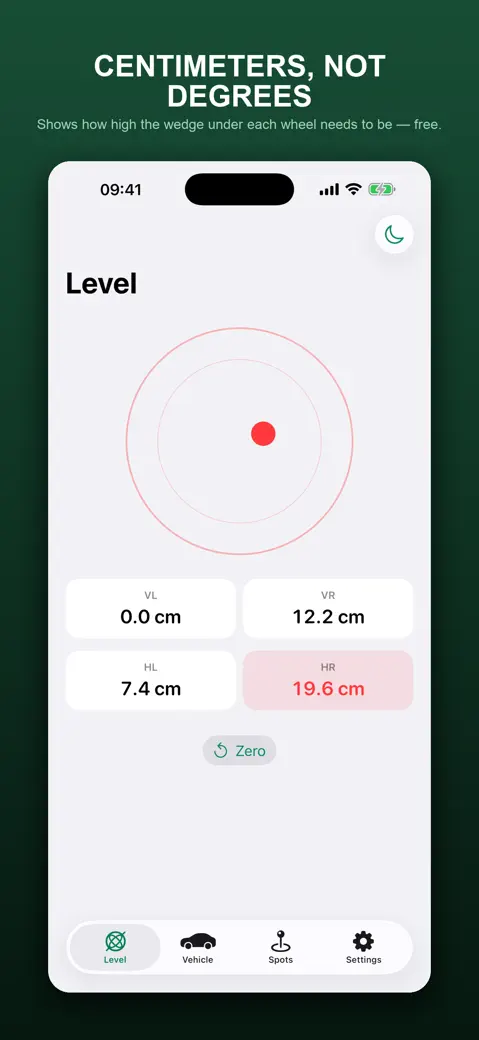
RV Level turns your phone's tilt into centimetres of block under each of the four wheels, then checks payload, axle load and hitch load against the limits you type from the vehicle papers. It is free, has no ads and works without a signal.

What can you do with it?
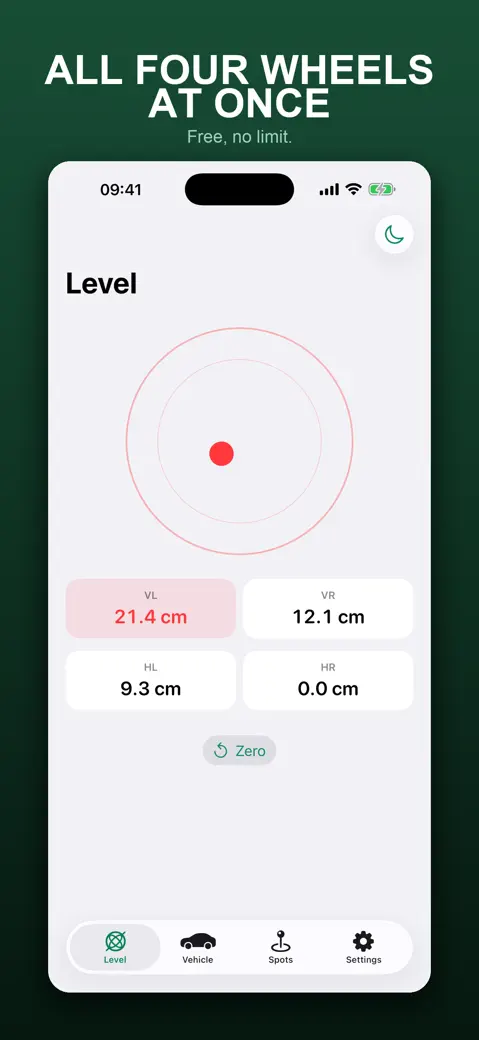
- Level a motorhome, camper or caravan: the Level tab shows a bubble and four wedge heights in cm, with the wheel to raise first highlighted.
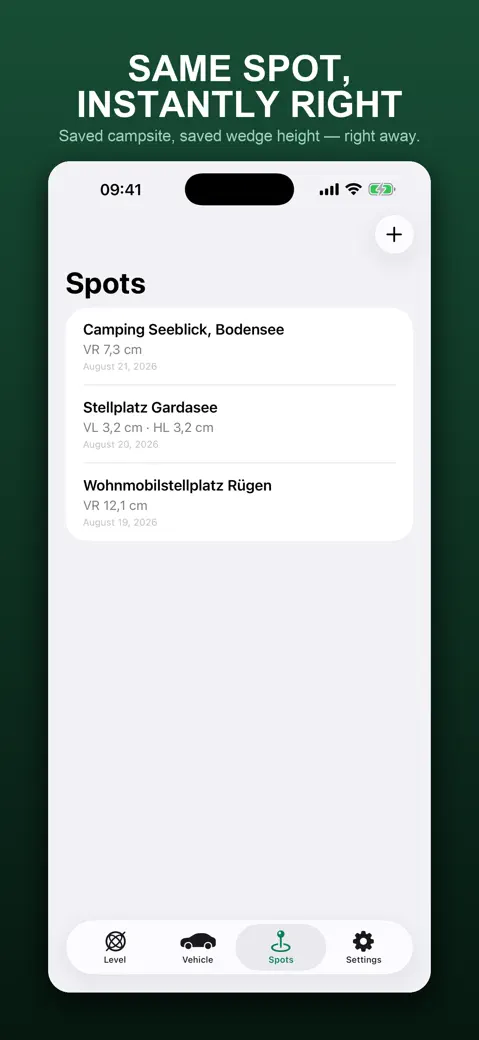
- Save the tilt of a pitch under Spots, so you know next time what you needed.
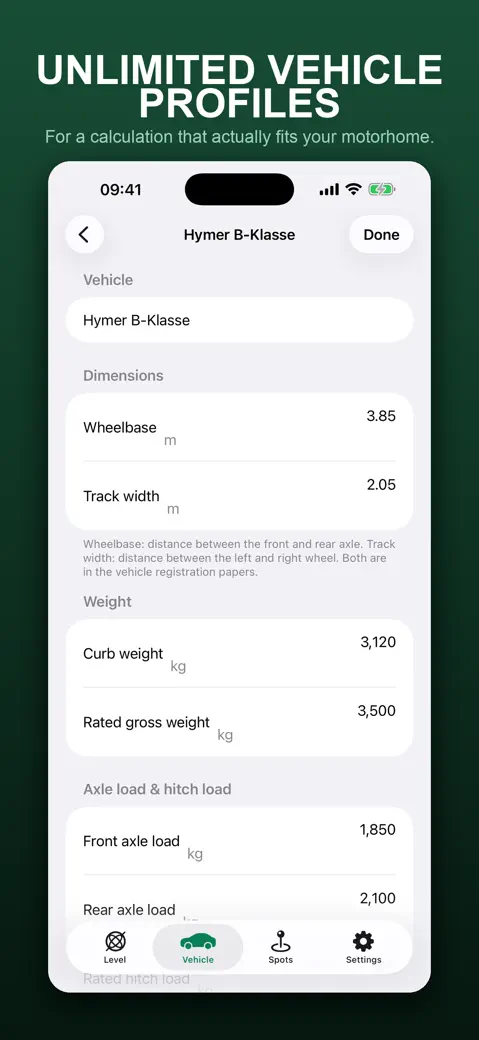
- Keep one or more vehicles in Vehicle, each with its own dimensions, weights and phone offset.
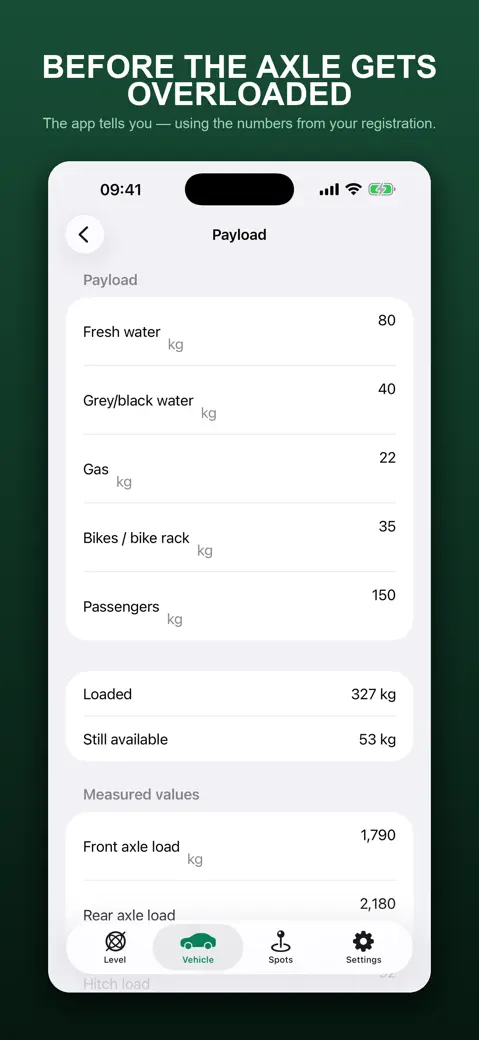
- Check payload, front and rear axle load and hitch load against the limits, and export the result with Share as PDF.
Quick start
- Open Vehicle, tap your vehicle and enter Wheelbase and Track width in metres.
- Put the phone flat on the floor, a step or the dash and open Level.
- Tap Zero once on ground you know is level.
- Park where you want to be, read the four heights and raise the highlighted wheel first.
- Tap Save this spot to remember the pitch.
Free, and everything is included
The app is free to download and every feature is available, with no ads, no account and no limit on vehicles or saved spots. We built it for people who park on uneven ground and would rather have a number than a hunch.
Privacy and permissions
It works offline and stores your vehicles and spots on the device. It does not ask for your location, and a saved spot is a name, a date and a tilt reading, not a place on a map.
Limits, plainly
- Metric only: cm, m and kg. There is no inch or pound mode.
- The wedge height is geometry from the tilt. It does not know your block or ramp shape.
- It compares weights you type; it does not measure or estimate axle or hitch loads.
- It is not a certified scale or instrument, and iPhone use is portrait only.
- Some screens and the PDF footer use the name Womo Ausrichten, the app's original name.
How-to guides for RV Level & Axle Weight
Questions people ask about RV Level & Axle Weight
Is RV Level free?
Does it work without a signal?
Which devices does it need?
Does it replace a certified scale?
Does it use my location?
Privacy and support
RV Level & Axle Weight works offline and does not require an account. Read the privacy policy and the terms for this app, or write to us if something is wrong.