Pomodoro Timer, a focus timer you can set to your own rhythm
Work Session & Task Tracker
Pomodoro Timer is a focus and break timer for iPhone and iPad, made for students and anyone working in focused blocks. The classic 25/5/15 cycle is only the default, not a rule you're stuck with. You pick the minutes, the sessions before a long break, and what you're working on.

Focus session
Start it, let it run
Counts against a fixed end time, even in the background
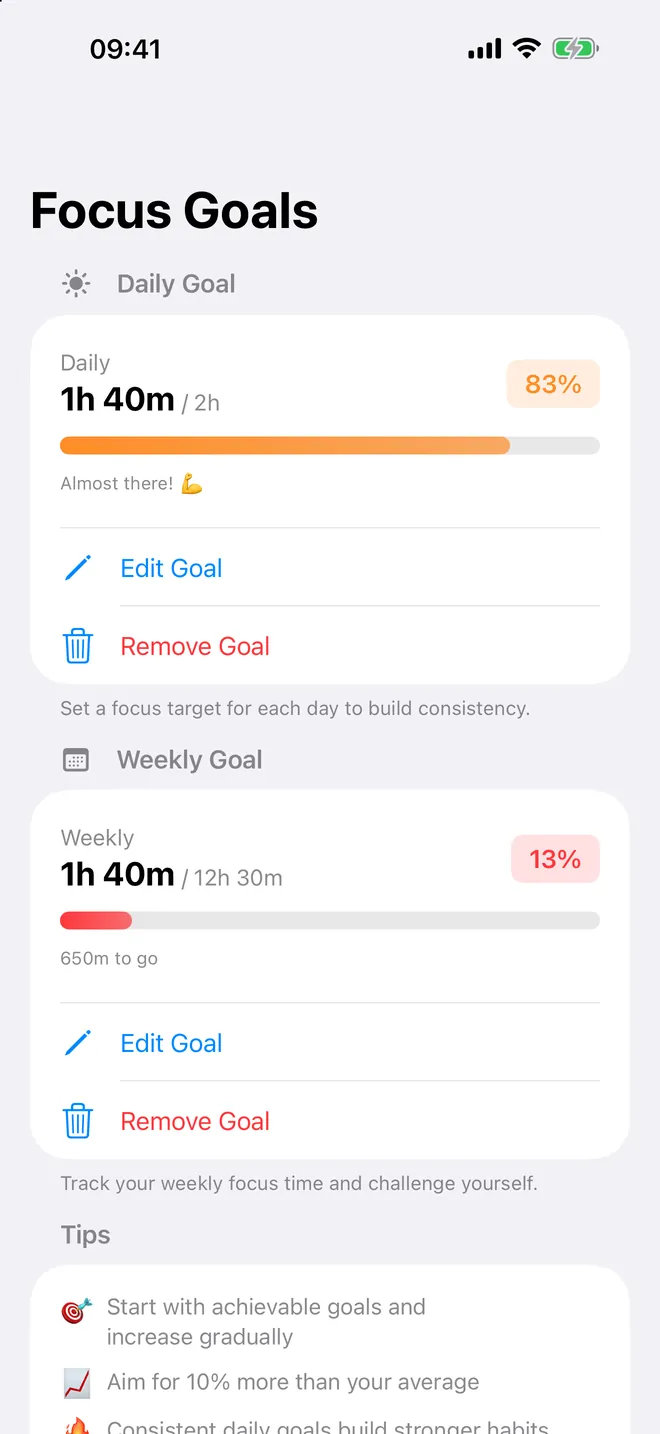
Daily goal
Set a daily goal
Pick a target and watch the ring close
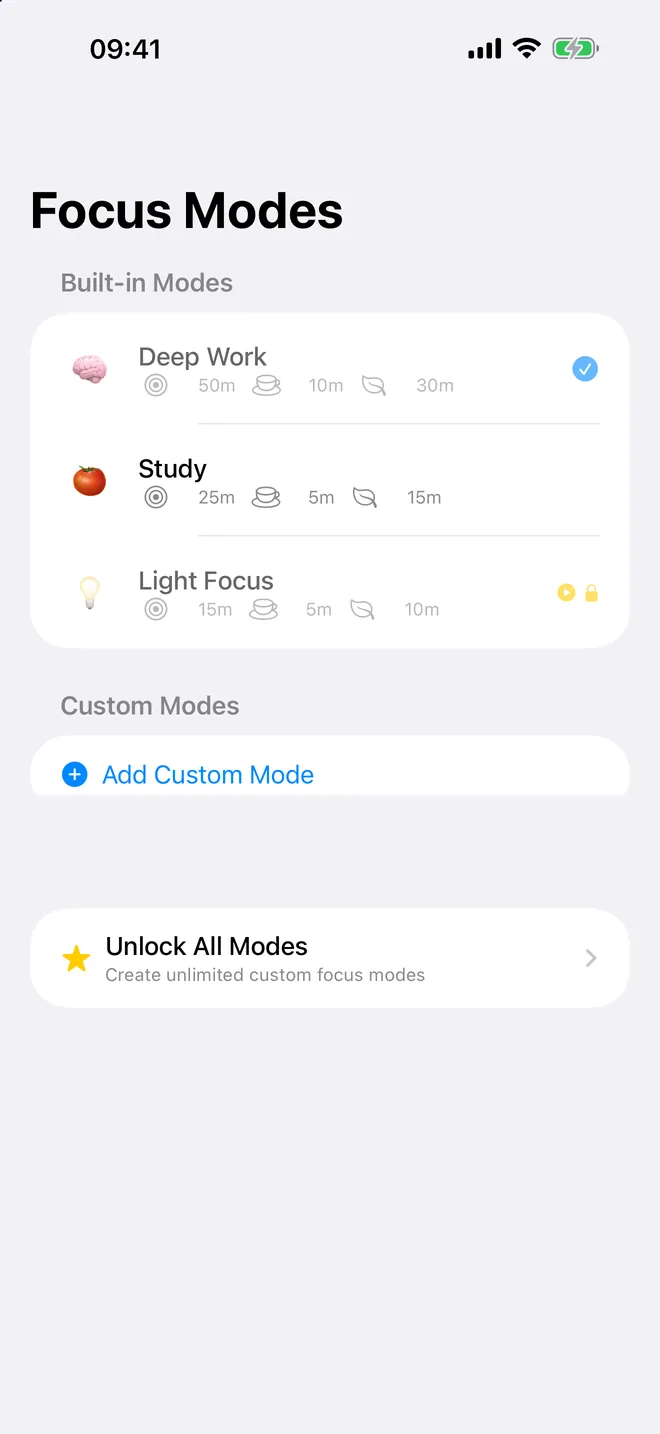
Focus modes
Modes that fit you
Deep work, study or short sprints, set your own
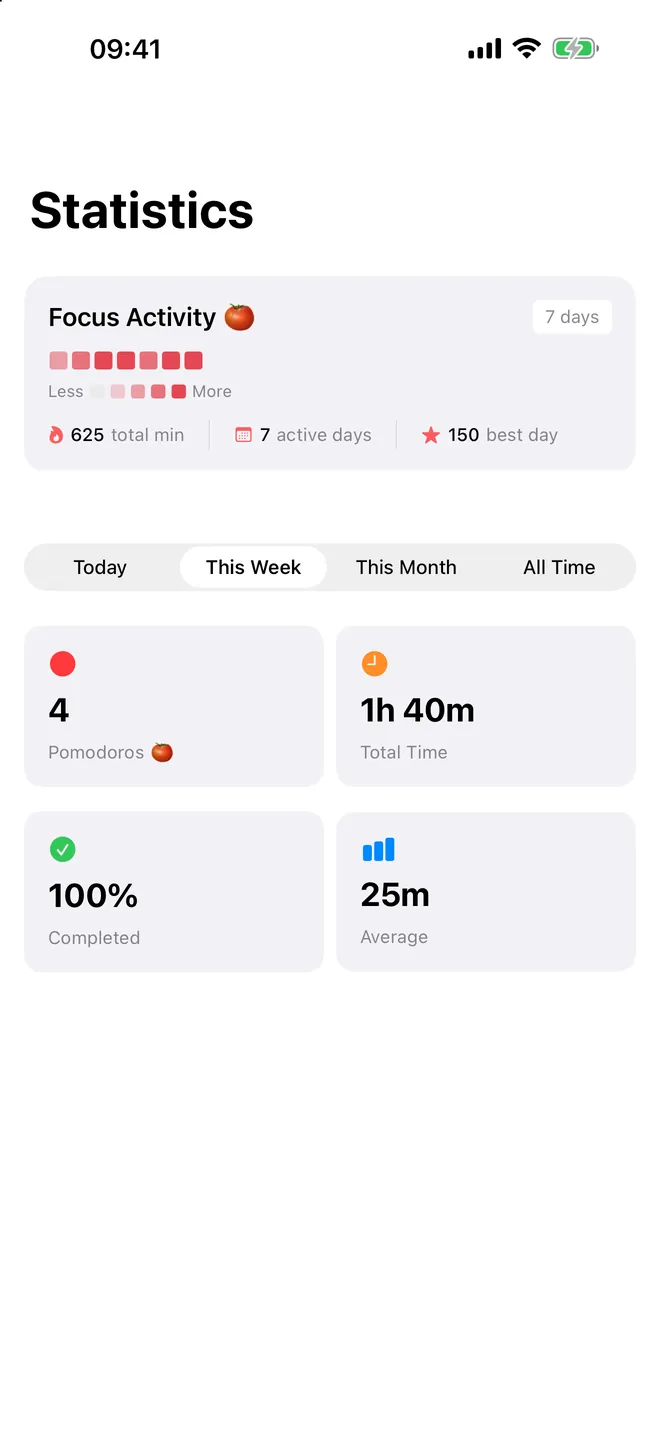
Stats
See your streak
Sessions, total time and completion rate by week
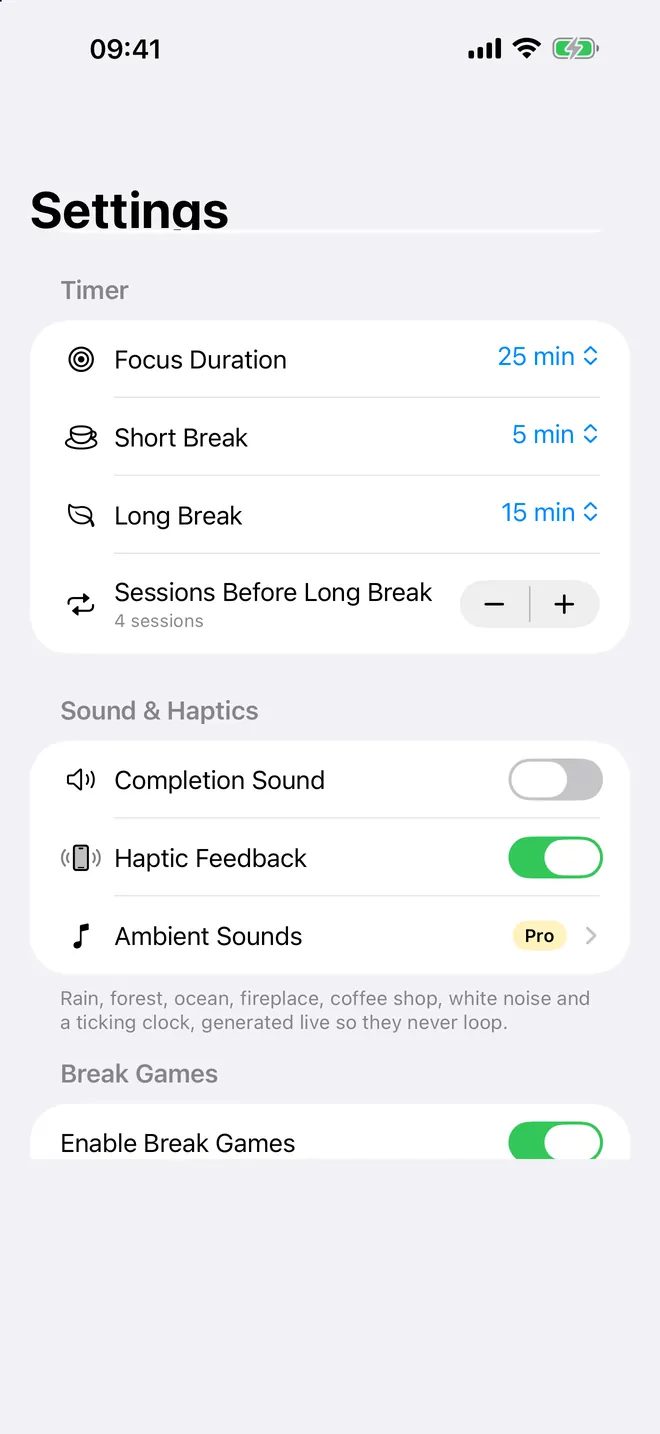
Settings
Make it yours
Focus length, breaks, sounds and haptics
What can you do with it?
- Run focus, short break and long break phases that follow each other in a cycle, with a notification when each one ends.
- Change every length: in Settings the Timer section sets the defaults, and the Modes tab keeps whole combinations you can switch between in one tap.
- Name what you are working on with Add task label and pin a short checklist of tasks to the current session or to the full cycle.
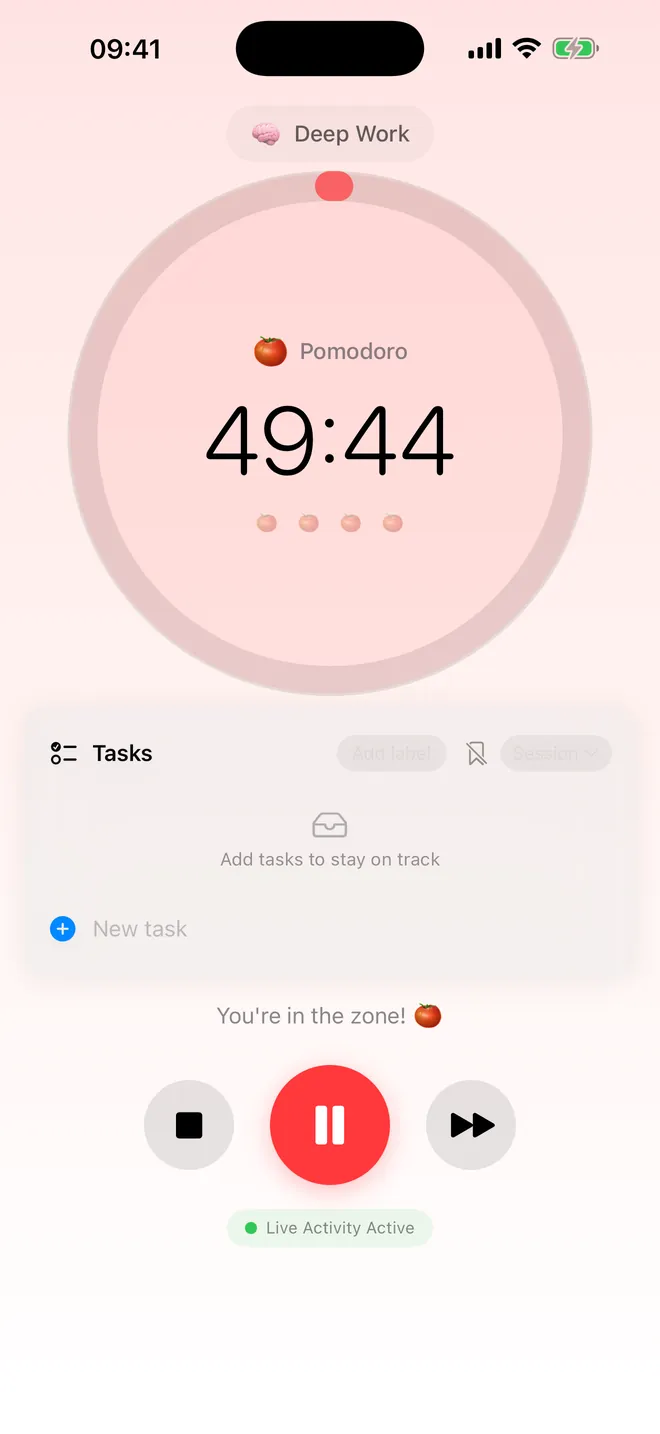
- Watch the countdown on the Lock Screen and in the Dynamic Island while the timer runs, without opening the app.
- See how much you focused and keep a daily streak in the Stats tab.
It counts toward a fixed end time instead of ticking a counter down, so it still shows the right number after you lock the phone and come back fifteen minutes later.
Quick start
- Open the app and allow Notifications when asked, so you get the alert when a phase ends even if the phone is locked.
- On the Timer tab, check the mode shown: Study runs 25 minutes of focus, 5-minute short breaks and a 15-minute long break after 4 sessions.
- Optionally tap Add task label and type what this session is for.
- Tap play. When the phase ends, tap play again to start the break, or use Skip to move to the next phase early.
- Open Stats at the end of the day to see your minutes and your streak.
Free, and what Premium adds
The app is free to download, and so is the core of it: your own lengths, the Study mode, one custom mode, up to 3 pinned tasks and 7 days of stats, with ads along the way.
Premium removes all the ads. It also opens up Deep Work, Light Focus and as many custom modes as you want, automatic flow between phases, the ambient sounds, a longer history with the 90-day heatmap, charts, daily and weekly goals, unlimited pinned tasks with templates, and CSV or JSON export. There's a cheaper middle ground too: watch a short video to try any locked mode for 1 hour.
Privacy, offline use and permissions
No account, no sign-up. Sessions, settings and modes stay on your device, and the timer works with the phone in airplane mode. The network only gets used to show ads on the free tier and to process purchases.
Notifications is the only permission it asks for, so it can tell you a phase ended or that the next one is about to start on its own.
Limits worth knowing
- iPhone and iPad only. No Apple Watch app, no Mac app.
- Nothing syncs between devices; each one keeps its own history.
- The square stop button throws the whole session away, an easy mistake to make the first time. Skip keeps the minutes you already did, and a session that reaches zero on its own is always saved.
How-to guides for Pomodoro Timer
Questions people ask about Pomodoro Timer
Is Pomodoro Timer free?
Can I use it for study as well as work?
Do I have to keep the app open?
Does it need an internet connection?
Does it work on iPad?
Free and Pro
Free
- the timer with custom lengths
- the Study focus mode
- 1 custom focus mode
- the 7 ambient sounds
- stats for the last 7 days
- up to 10 sessions in the history list
- up to 3 pinned tasks
- with ads
Pro
- removes all ads
- unlocks Deep Work and Light Focus presets plus unlimited custom focus modes
- history and heatmap beyond 7 days (heatmap up to 90 days, history unlimited)
- unlimited pinned tasks and task-list templates
- auto-continue between phases
- daily/weekly goals
- data export (CSV/JSON)
- session insights and charts
Pro is optional. Everything in the free list works without it.
What's new in 2.6.0
The App Store listing had been advertising this app under another Pomodoro app's name since 2019, repeated six times in the description, and never mentioned the focus modes, the ambient sounds, the Live Activity or the widget. Rewritten. Nothing changed inside the app except the last of the broken placeholders in the translated texts.
Privacy and support
Pomodoro Timer works offline and does not require an account. Read the privacy policy and the terms for this app, or write to us if something is wrong.
Made by a small independent developer. Questions? Write to us from the support page.