Boxing Timer, the round and interval timer for fighters
Rounds, HIIT & Live Activity
Boxing Timer rings a bell at the start and end of every round, warns you before the round ends and counts your rest, and it's built for boxers, kickboxers, Muay Thai, MMA and BJJ athletes, coaches, and anyone doing HIIT, Tabata, EMOM or AMRAP.

Precision Timing
Bell styles
classic bell, air horn, gong
Precision Timing
Screen stays awake during your workout
What can you time with it?
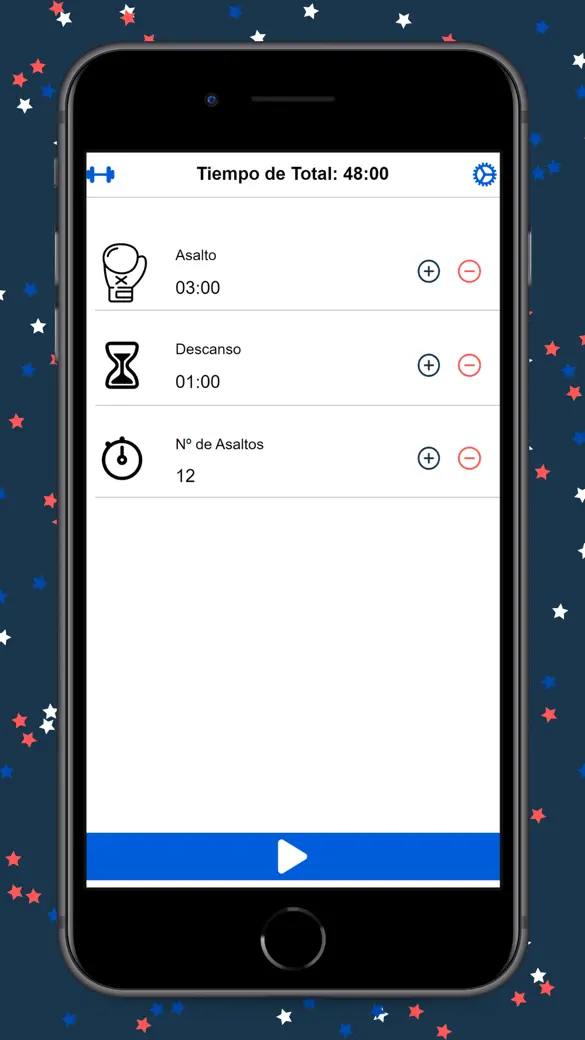
The app ships with 23 ready formats, grouped under the filter chips Boxing, MMA, Kickboxing, Muay Thai, BJJ, HIIT and CrossFit. Each one sets the round length, the rest, the number of rounds, a short prep countdown and the warning time in one tap.
- Fight rounds: Pro Boxing (12 rounds of 3:00 with 1:00 rest), Amateur Boxing, Sparring 3×3, Bag Work 2×2, MMA Standard and MMA Championship (5-minute rounds), Muay Thai 5×3 (2-minute rests), KB Pro, K-1 Format.
- Grappling: Rolling 5×5, BJJ Match (one 5:00 round) and BJJ Advanced (one 10:00 round), with an earlier warning.
- Conditioning: Tabata (8 x 20 s on, 10 s off), HIIT 30/30, HIIT 40/20, EMOM 1 min, AMRAP 20 min and CF Intervals.
- Anything else: Custom Timer lets you set rounds (up to 99, or unlimited), round, rest, prep and the warning yourself.
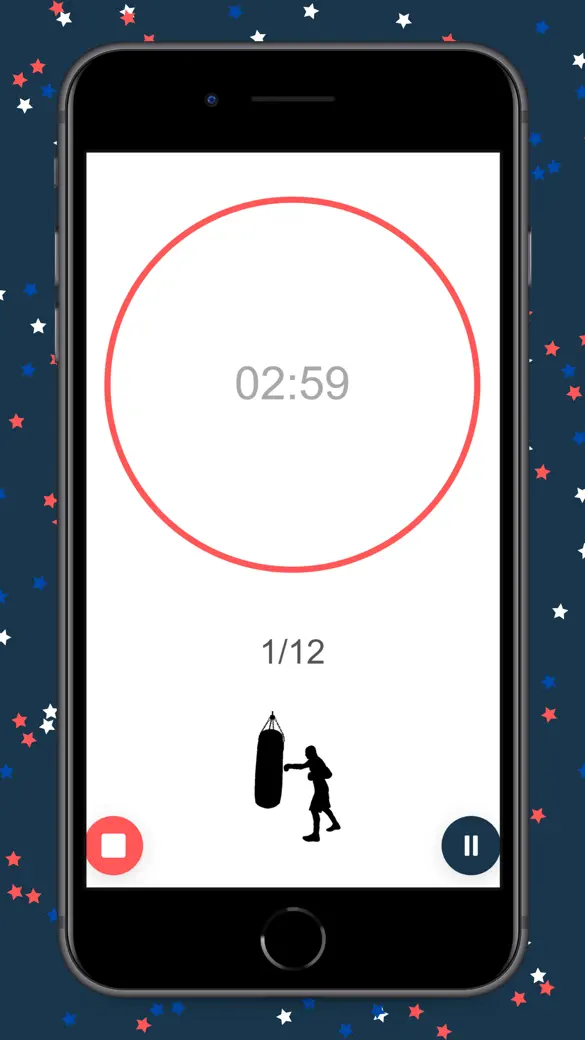
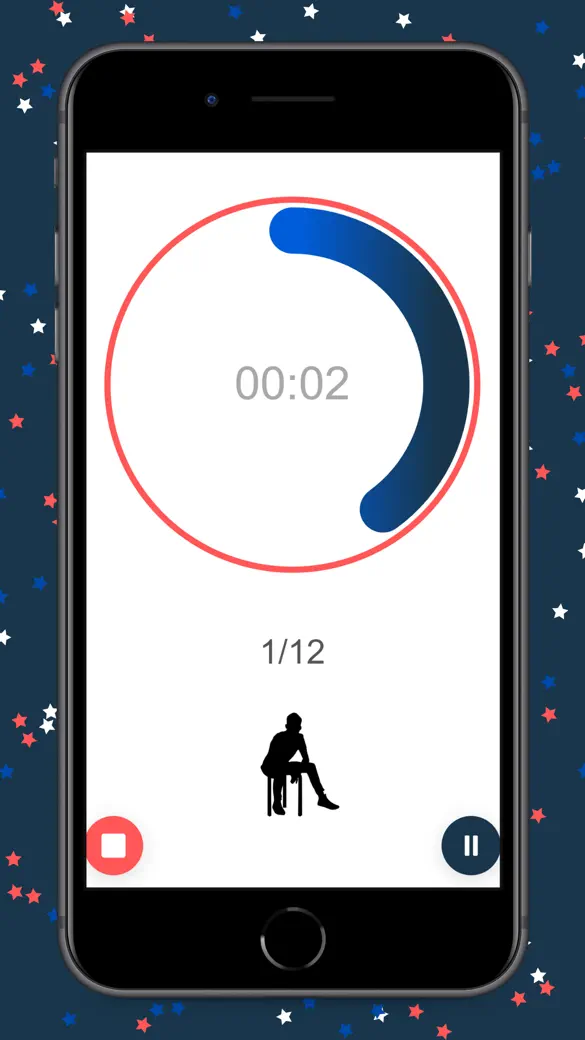
During a round the ring turns green, rest is blue and prep is yellow. A bell marks every change, and near the end of each round a wooden clack-clack sound and a strong vibration tell you to empty the tank — by default that's 10 seconds out. The first few sessions, you may keep glancing at the screen out of habit; that fades once you trust the clacker.
Quick start
- Open the app. The first time, What do you train? asks for your sport and picks a matching format.
- To choose another one, tap the list icon at the top left (Setup), tap a filter chip such as Boxing and tap a preset so it shows a checkmark. Close the sheet.
- Check the PREP, ROUND and REST cards on the main screen, then tap the Play button in the middle.
- Train. You can pause, skip to the next phase or tap Stop to reset. The workout ends with DONE and is saved to History.
Free, and what Pro adds
Boxing Timer is free to download. Every preset, the full timer, custom timers you use once, one saved custom preset, the Classic Bell, the Lock Screen countdown, the Apple Watch remote and the history list are free. The free version shows ads: a banner under the timer and some full-screen ads between workouts.
Boxing Timer Pro is optional, sold as a monthly or yearly subscription or a one-time purchase. It removes all ads and adds the Voice Coach (spoken rounds and random punch combos), the Air Horn and Gong bells, unlimited saved presets, and a weekly chart with a day streak in History. If you only ever use one or two presets, skipping Pro and muting the ads with headphones works fine; the saved-preset limit is the restriction that actually matters.
Offline, privacy and permissions
No account to make. The timer, bells, presets and history all work without a connection, and your sessions stay on the device — the internet only gets touched for ads in the free version and for buying or restoring Pro.
On first launch iOS shows the tracking prompt. It only affects ads: if you say no, the timer works the same and ads are non-personalised. The Lock Screen view uses Live Activities; if you turn them off for the app, the timer still runs.
What it can't do
- Every round has the same length and every rest too: no pyramids, no different blocks in one workout.
- The Apple Watch app is a remote with a mirrored countdown. It needs the iPhone, does not ring the bell and cannot run a workout on its own.
- No Android or Mac app, no Home Screen widget, no iCloud sync, no Apple Health, no calories or heart rate.
- There is no volume slider: the bell follows your phone's volume.
How-to guides for Boxing Timer - MMA & Interval
Questions people ask about Boxing Timer - MMA & Interval
Can I use Boxing Timer for MMA, Muay Thai or HIIT?
Does the bell still ring when my phone is locked?
Does it stop my music?
What does the free version include?
Is there an Android version?
Free and Pro
Free
- All 23 built-in presets (boxing, MMA, kickboxing, Muay Thai, BJJ, HIIT/Tabata, CrossFit EMOM/AMRAP)
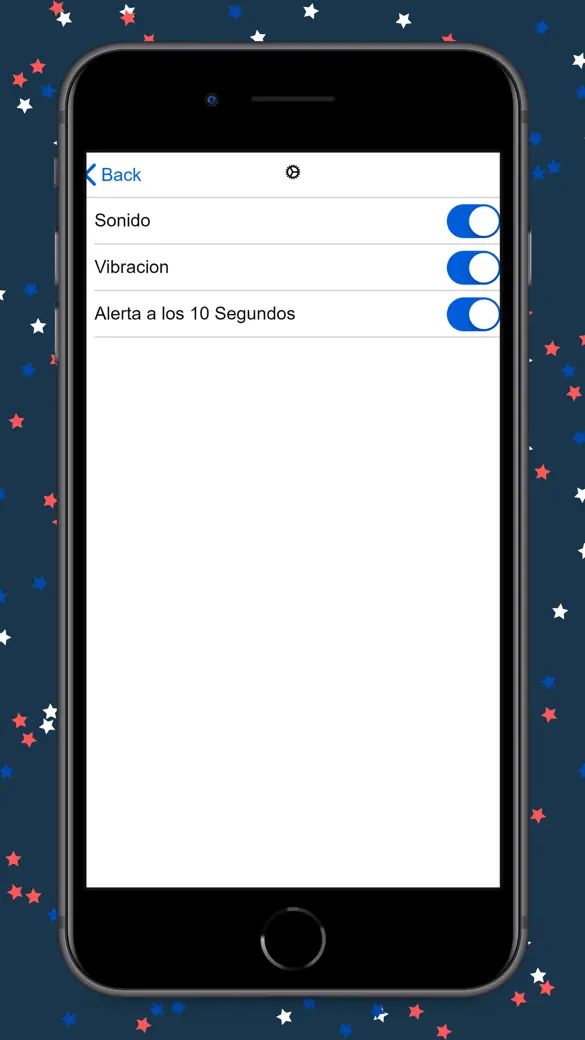
- The full timer: prep, rounds, rest, pause, stop, skip, unlimited rounds, 10-second (configurable) warning clacker, haptics, screen kept awake, running with the screen locked
- Custom Timer: any round/rest/prep/rounds/warning combination, used once as many times as you like ('Use Once')
- Saving ONE custom preset ('Save & Use'); a second one needs Pro
- 'Classic Bell' round bell
- Live Activity on the Lock Screen and Dynamic Island
- Apple Watch remote
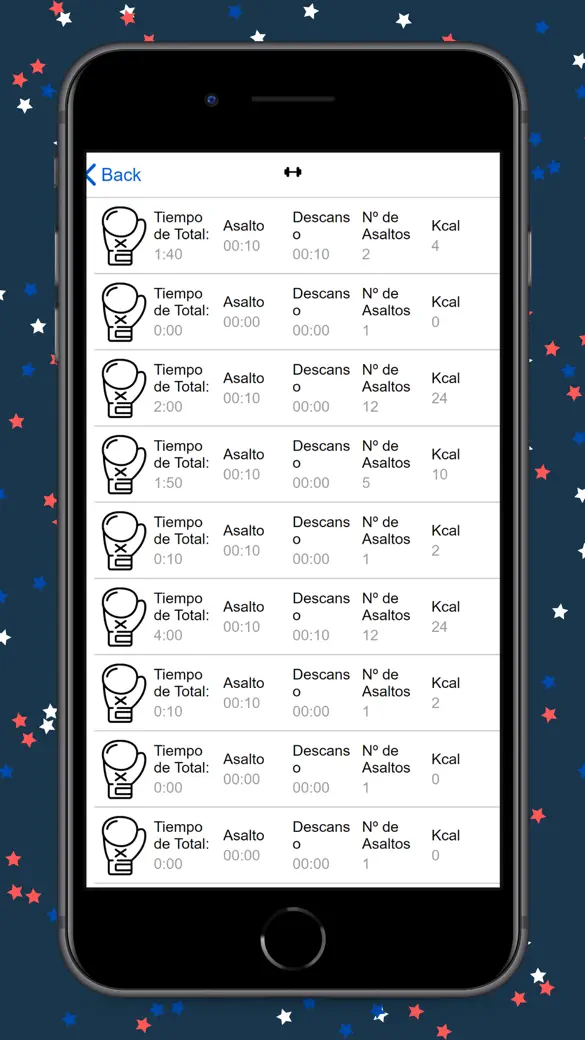
- History list with 'Sessions', 'Total Time' and 'Rounds' totals; delete sessions
Pro
- No ads (banner, end-of-workout interstitial and app-open ads)
- Voice Coach: 'Announce Rounds' (spoken 'Round 2', 'Last round', 'Rest', a 3-2-1 countdown at the end of each rest, 'Workout complete') and 'Combo Caller' (random numbered punch combos spoken during rounds at an Easy / Medium / Hard pace)
- Unlimited saved custom presets (free keeps 1)
- Pro bell sounds: 'Air Horn' and 'Gong'
- Advanced stats in History: 'This Week' bar chart of training minutes for the last 7 days and the day streak
Pro is optional. Everything in the free list works without it.
What's new in 3.3.0
You can now set round and rest times in five-second steps instead of ten. A 45-second rest or a 95-second round was simply not possible before; a review from Russia said so plainly in August and it was right.
Privacy and support
Boxing Timer - MMA & Interval does not require an account. Read the privacy policy and the terms for this app, or write to us if something is wrong.
Made by a small independent developer. Questions? Write to us from the support page.