StoreCard, a loyalty card wallet for iPhone and Apple Watch
Your Loyalty Cards in One App
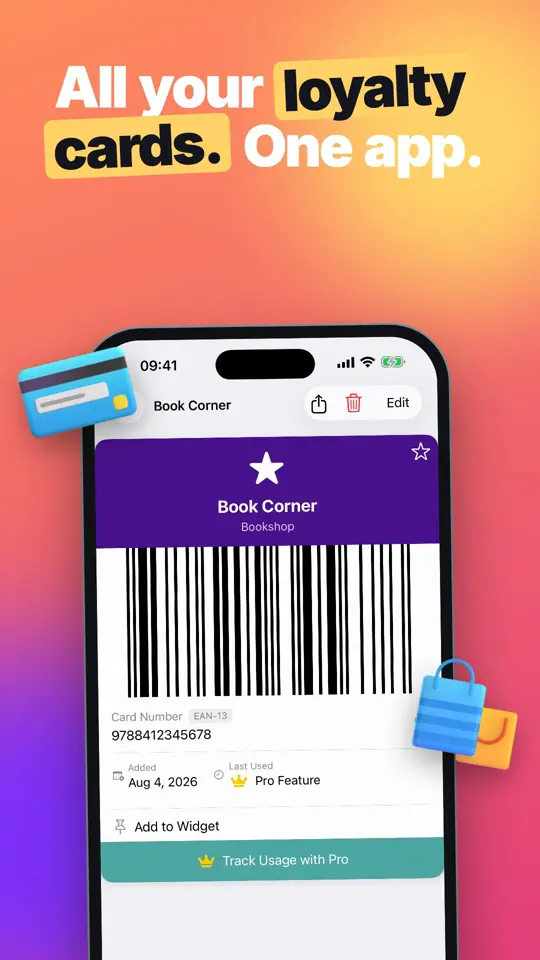
StoreCard turns the plastic loyalty, rewards and membership cards in your wallet into barcodes on your iPhone, ready at the till on the phone, a Home Screen widget or your Apple Watch. Cards scan in a few seconds, and you can type a card's number by hand if its barcode has worn off.

Loyalty cards
All your loyalty cards. One app.
No account, unlimited cards
At checkout
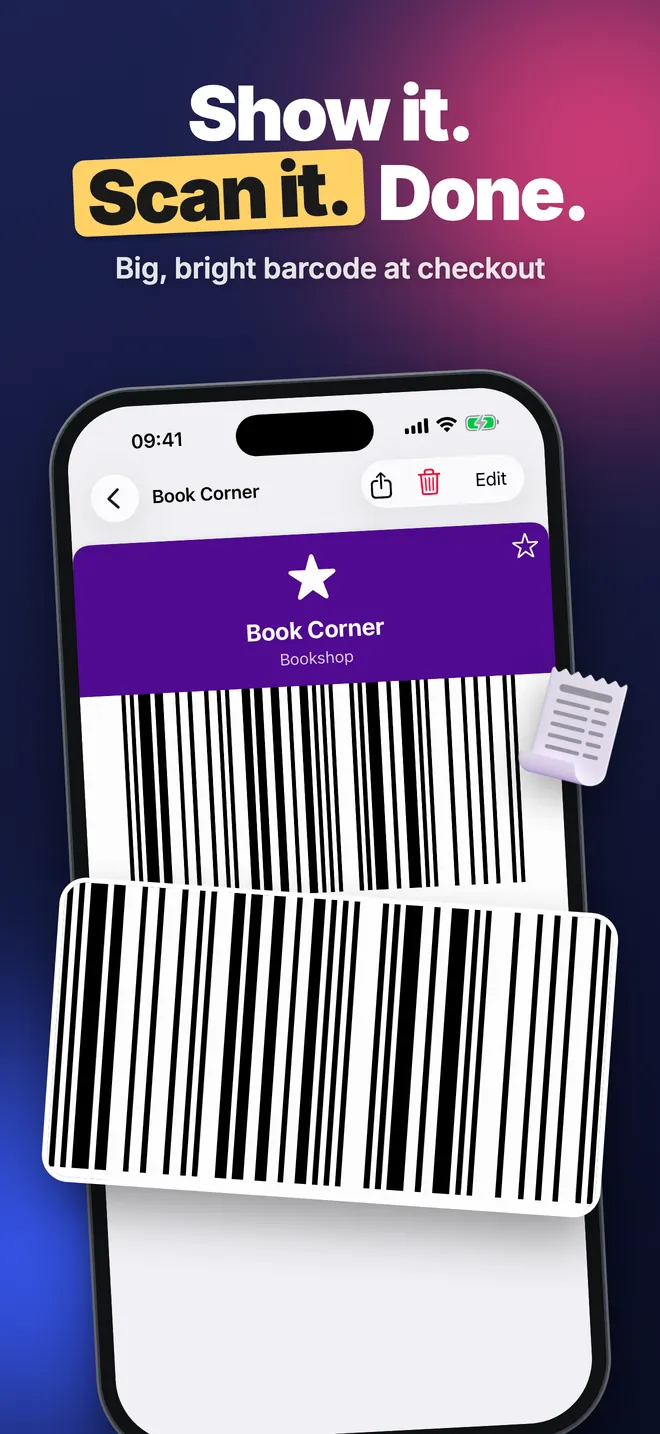
Show it. Scan it. Done.
Big, bright barcode at checkout
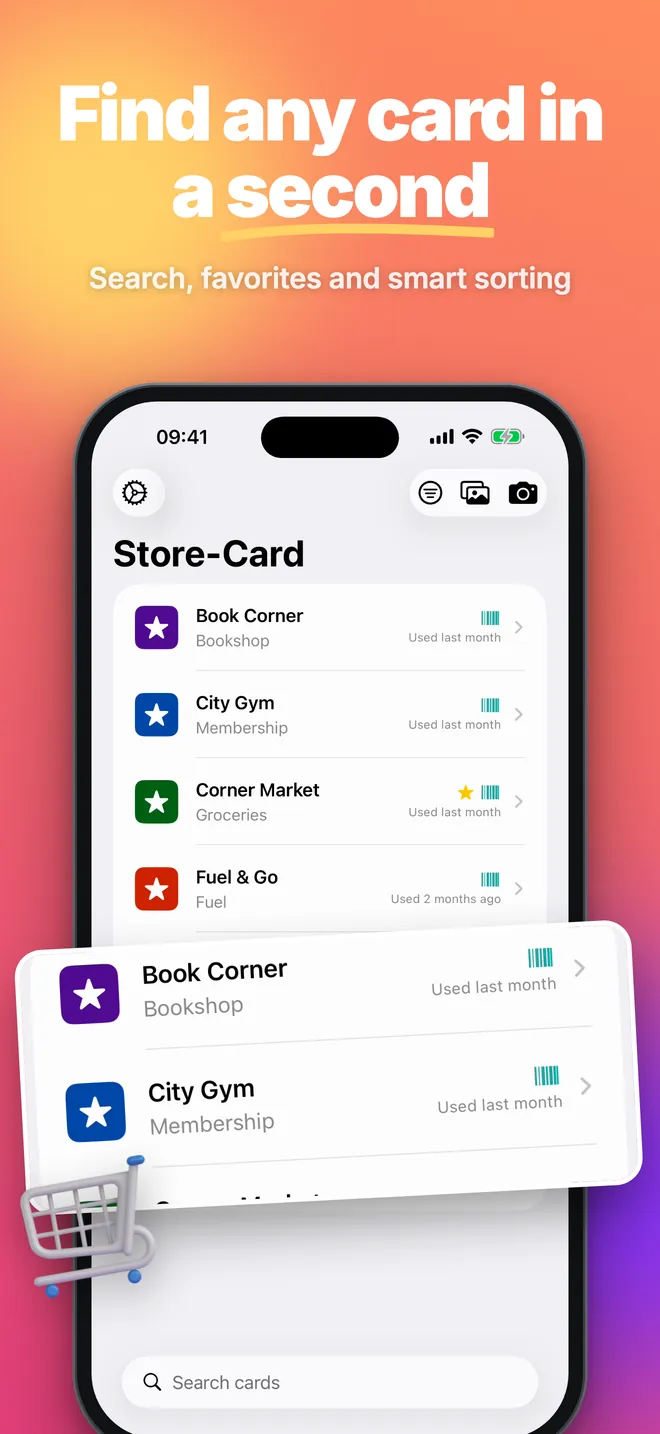
Search
Find any card in a second
Search, favorites and smart sorting
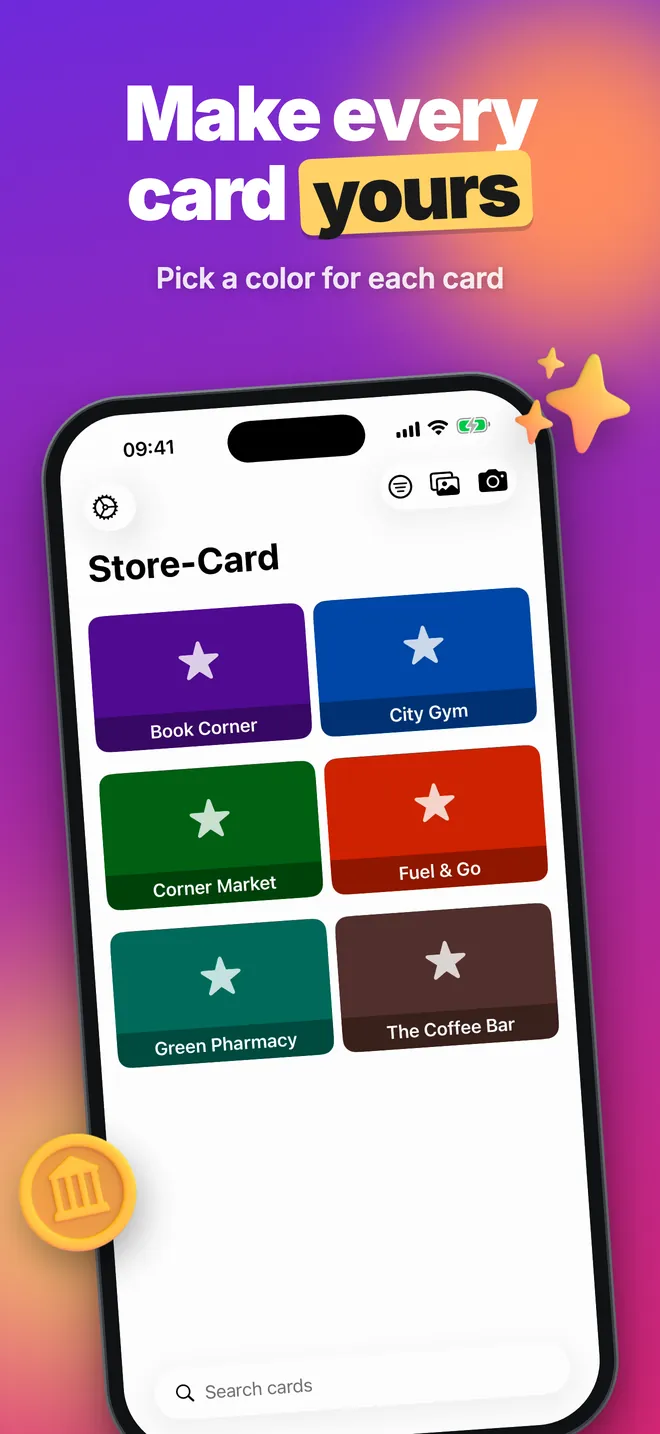
Colors
Make every card yours
Pick a color for each card
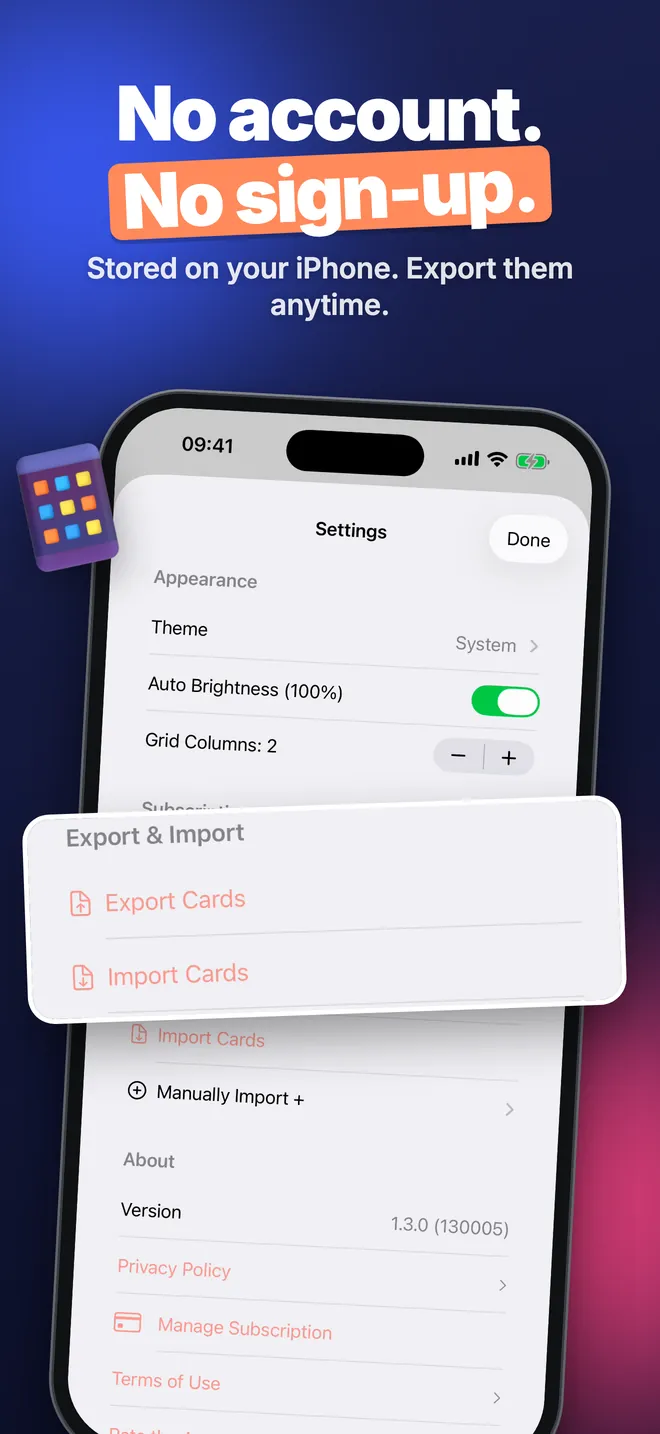
Privacy
No account. No sign-up.
Stored on your iPhone. Export them anytime.
What can you do with StoreCard?
- Add cards three ways: scan the barcode or QR code with the camera, pick a photo of the card, or type the number yourself in the New Card form.
- Show the code at checkout: the app draws the barcode on the phone, with no internet needed, and Auto Brightness (100%) turns the screen up so the till scanner reads it first time.
- Reach a card faster: pin cards with Add to Widget and put one on the Home Screen, or open the card list on your Apple Watch.
- Keep a long list tidy: search, favorites, Sort By and Filter By, including cards that are Expired or Expiring Soon.
- Move your cards: Export Cards saves every card to one JSON file, and Import Cards reads it back on another iPhone.
Quick start: your first card
- Open the app, which shows as Store-Card on the Home Screen, and tap Add Your First Card.
- Allow camera access and hold the card's barcode inside the frame. The code and its format fill in by themselves.
- Check Card Name and Issuer/Company, pick a Category and a Background Color.
- Tap Add. Open the card from the list whenever you are at the till.
No camera, or the barcode is worn out? Tap Enter Manually and type the number printed under the bars.
Free version and Pro
StoreCard is free to download, and the free version has no limit on the number of cards. It includes scanning, photo import, manual entry, favorites, search, every sort order, every filter except Recent, the small Home Screen widget, the Apple Watch app and JSON export and import. It shows a banner ad, and after your third card it asks once whether you want to watch an ad or subscribe; you can tap Not Now and keep adding cards.
The optional Pro upgrade adds the medium and large widgets, Mark as Used with a Last Used date and the Recent filter, a custom Text Color on each card, and removes the ads. Unless you specifically want the bigger widget or you like tracking which card you used last, the free side already covers the job.
Privacy, offline use and permissions
Your cards live in a database on the iPhone, shared only with the StoreCard widget and the Watch app. There is no account and no sign-up. The barcode draws even with no signal, in a basement level of a supermarket or anywhere else with zero bars; the internet is only used to load ads in the free version.
The app asks for the camera to read a card's code when you add it. It may also ask for permission to track, so ads in the free version can be personalized; if you refuse, ads still appear but are not personalized.
What StoreCard does not do
- It does not sync cards between your own devices through iCloud. To move cards, use the JSON export.
- It cannot draw a Data Matrix code, so a card that only has that square symbol will not show a scannable code.
- It does not add cards to Apple Wallet.
- There is no layout made for iPad; StoreCard is built for iPhone and Apple Watch.
- Store detection from a photo can guess the wrong name or colour, or find nothing, especially in poor light. Check the form before you tap Add.
How-to guides for Loyalty Card Wallet
Questions people ask about Loyalty Card Wallet
Is StoreCard free?
Does StoreCard work without internet?
Do I need an account?
Will the checkout scanner read the code from my screen?
Free and Pro
Free
- unlimited cards
- scan or photo-import a card, or add one manually
- background color customization
- favorite, search, sort (Name, Issuer, Last Used, Most Used, Date Added) and all filters except Recent
- one small home-screen widget
- Apple Watch card list and barcode
- export/import cards as a JSON file
- banner ad and an optional rewarded-ad prompt after the 3rd card
Pro
- medium and large home-screen widgets
- usage tracking: 'Mark as Used' and the 'Last Used' date on a card
- the 'Recent' filter, which uses that Last Used date
- custom text color on a card, on top of the background color which stays free for everyone
- removes the banner ad and the rewarded-ad prompt
Pro is optional. Everything in the free list works without it.
What's new in 1.3.0
• The widget could never find your cards: the app and the widget were reading two different databases. Your cards are moved across automatically • EAN-13, EAN-8, Code 39 and ITF-14 cards were all drawn as Code 128, so the till scanned something else • The share sheet saved the photo but never came back to the app • The close button on the purchase screen was disabled for three seconds • Two features the app did not actually have were removed from the purchase screen • The sort, filter and theme menus were in English in every language
Privacy and support
Loyalty Card Wallet works offline and does not require an account. Read the privacy policy and the terms for this app, or write to us if something is wrong.
Made by a small independent developer. Questions? Write to us from the support page.